Step1. Materials
Please get ready of the following materials before upgrade
- A MatataBot
- A iPhone (ios11 or upper system)
Step2: Download MatataCode App on you Phone.

Please scan the UR code to download or go to AppStore and search "MatataCode" to download.
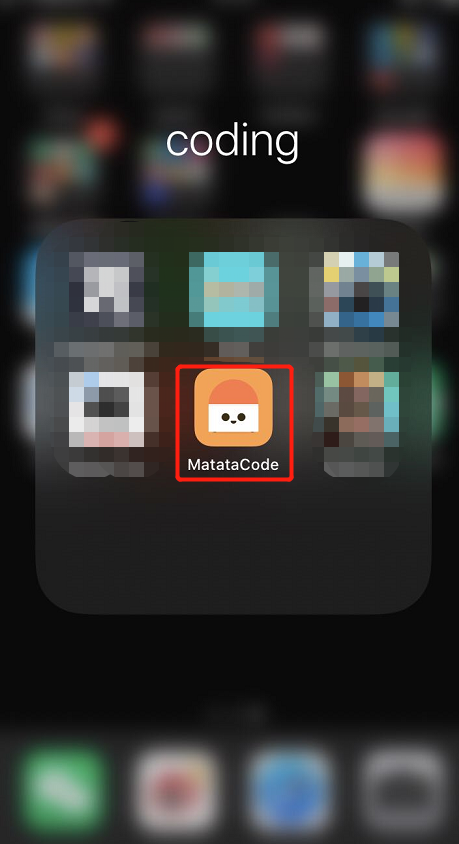
Step3: Turn on MatataCode
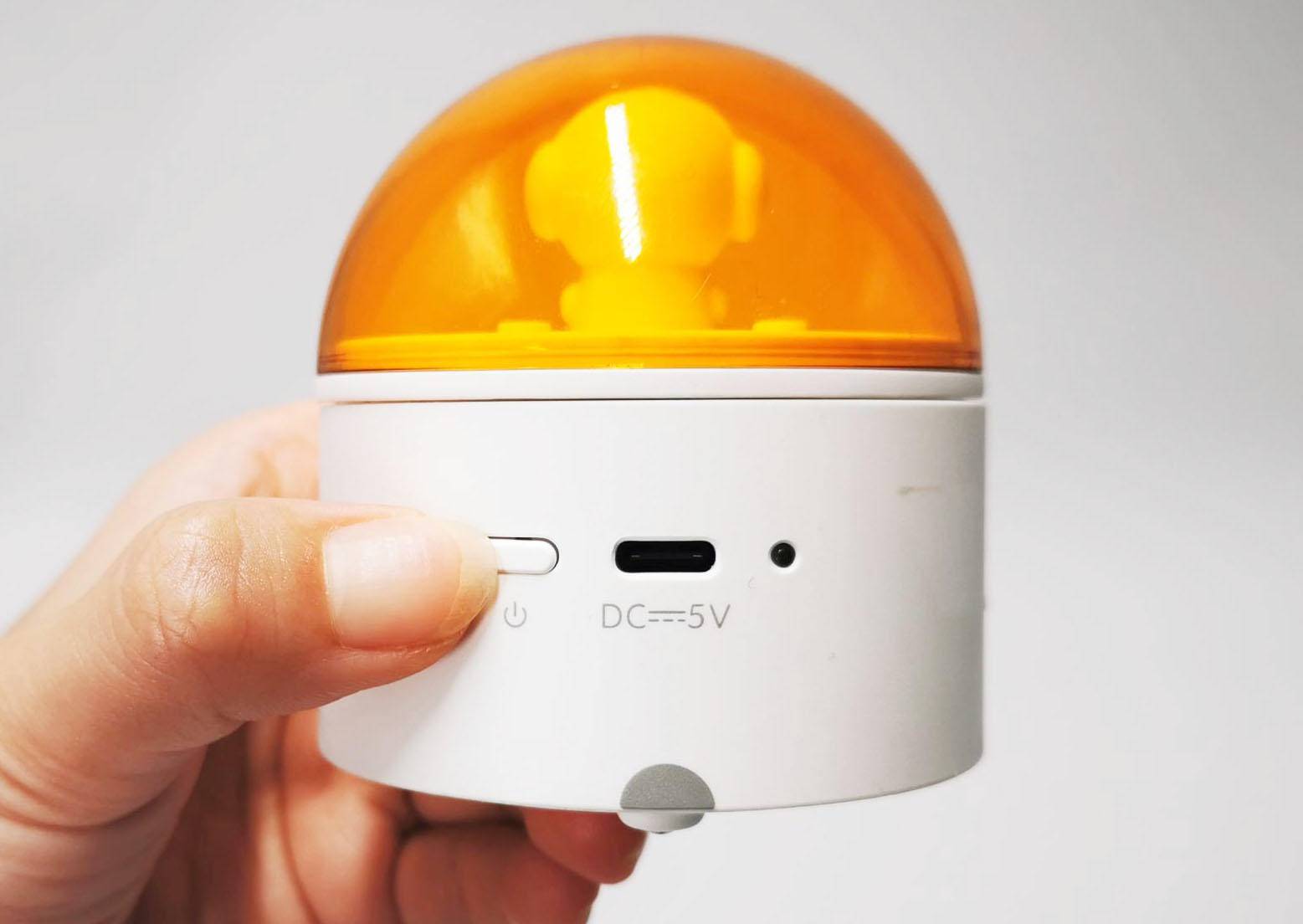
Step4. Turn on the MatataBot
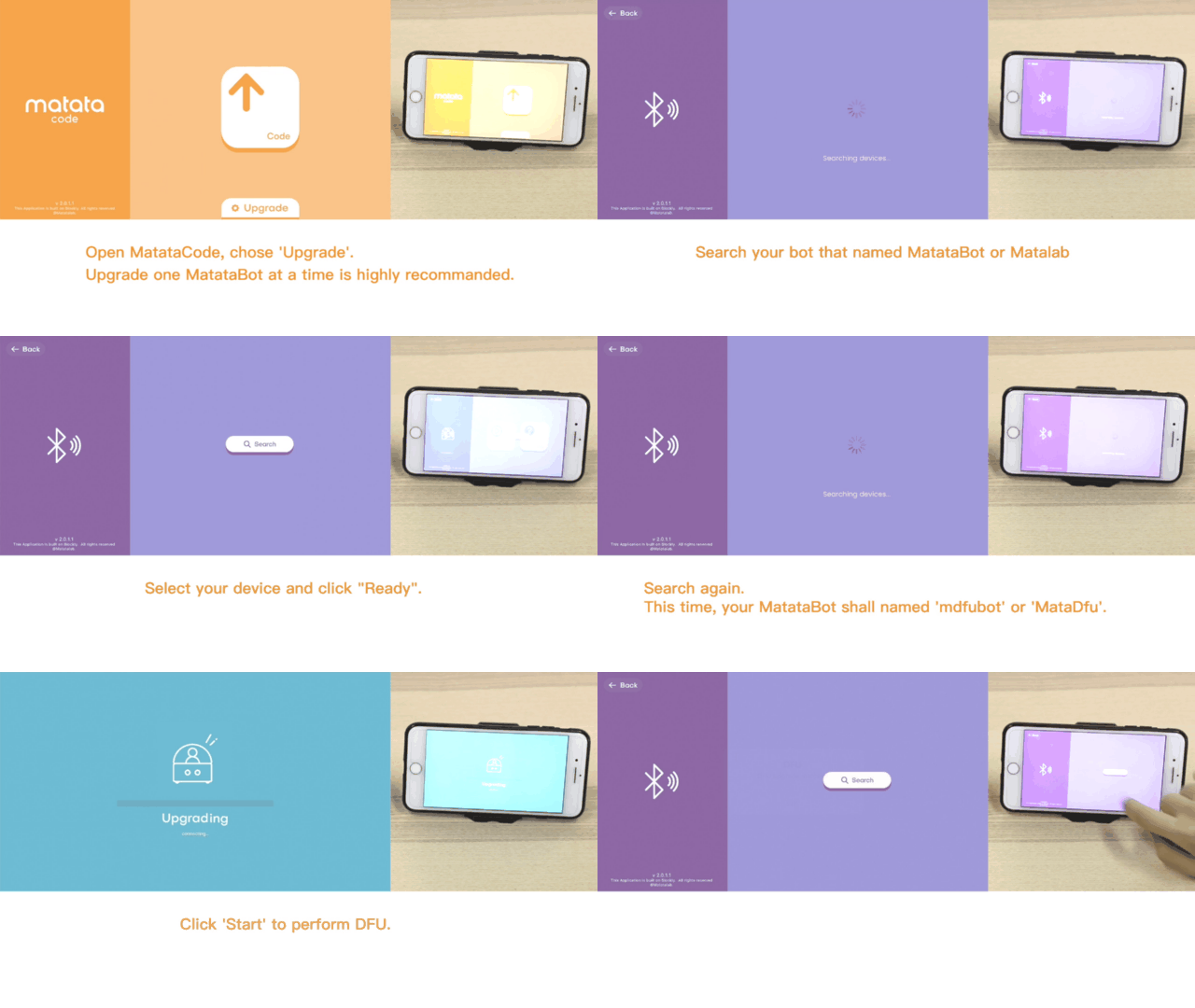
Step5. Follow the steps on GIF
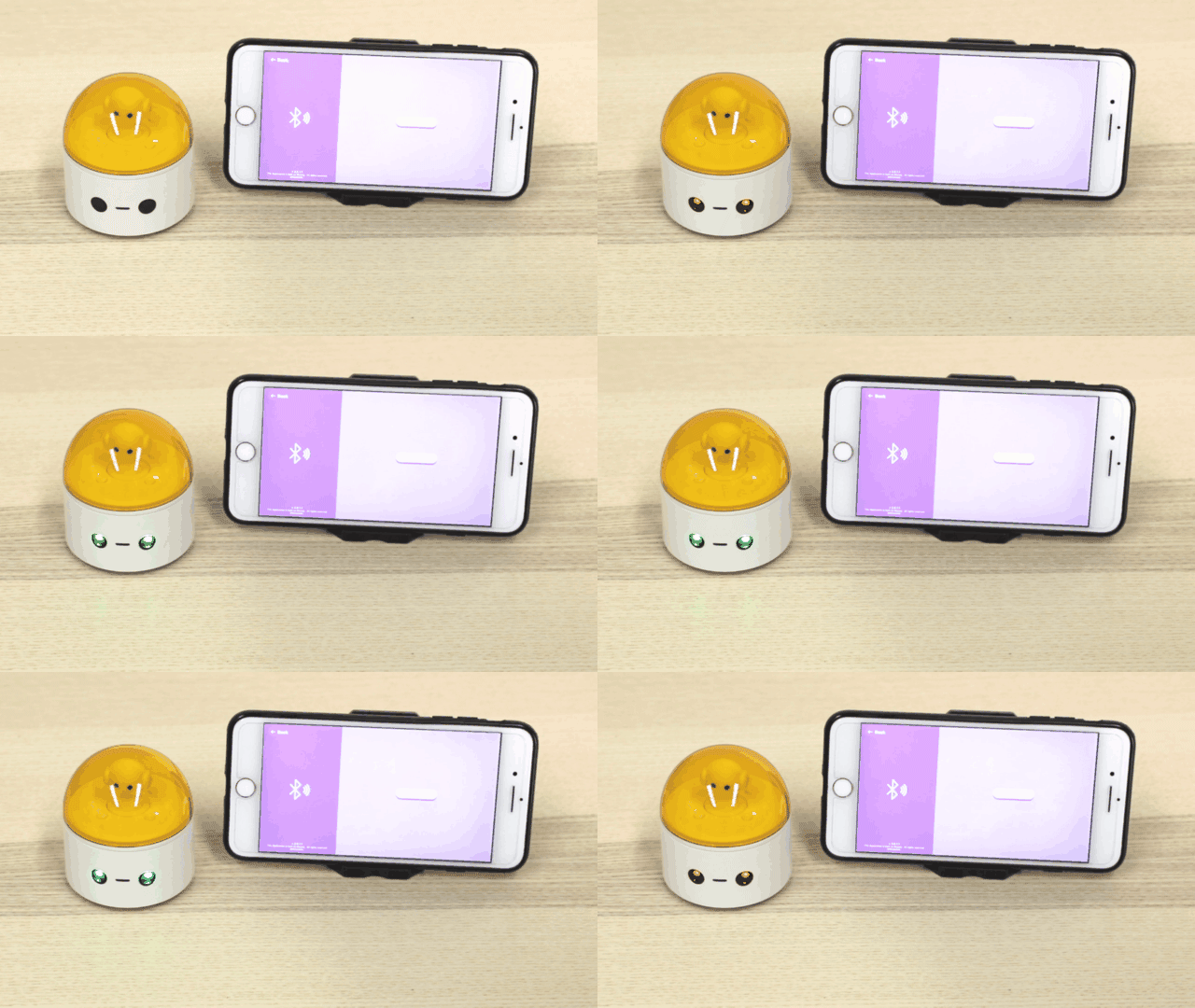
On the App: Click "Upgrade" --- Click "Search" --- Click "MatataBot" (or 迷妹网) which is the device detedcted --- Click "Ready" --- Click "Search" again --- Click "mdfubot" (or MataDfu) which is the device detedcted, then start to DFU upgrade
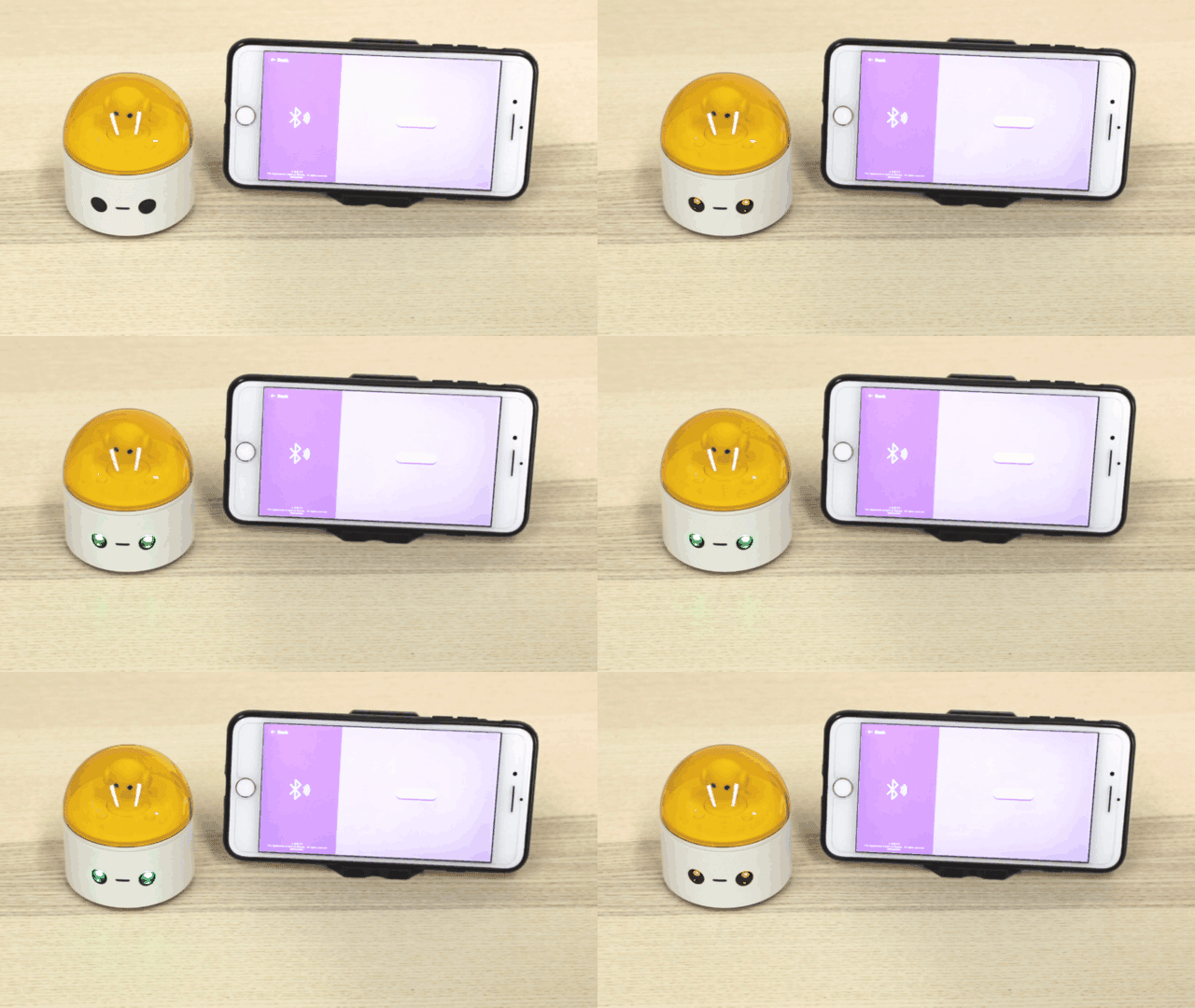
You will hear a cheer sound and some blinks of the LED eyes of MatataBot after the upgrade is finished.
How to re-pair?
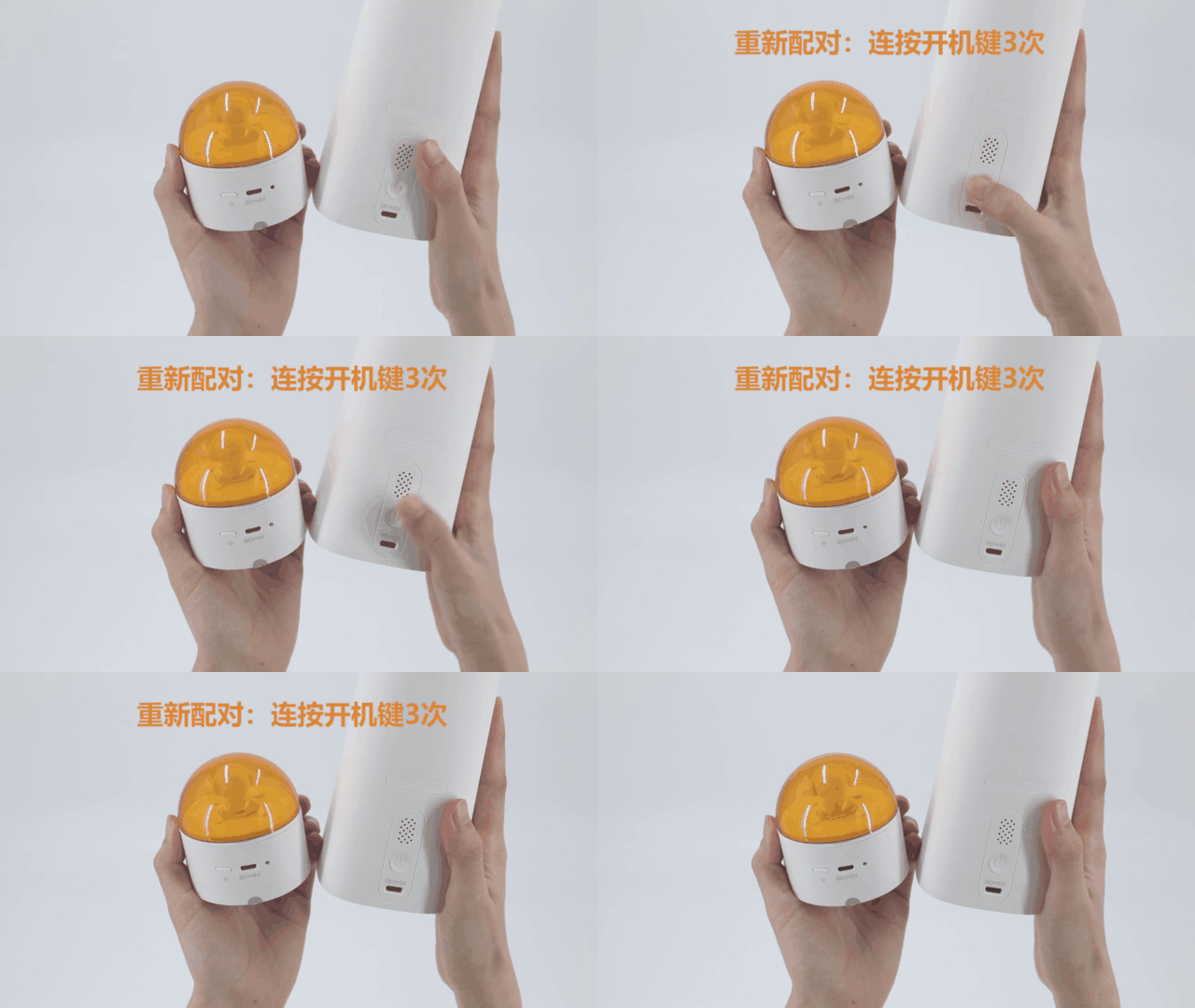
How to re-pair the Command Tower and MatataBot?
Turn on the device and rapidly click the power button of the Command Tower 3 times. It will enter the re-pair mode with fast flashing blue light. When you hear the sound "deng deng", the Command Tower has been re-paired to the MatataBot with both stable blue indicated light.
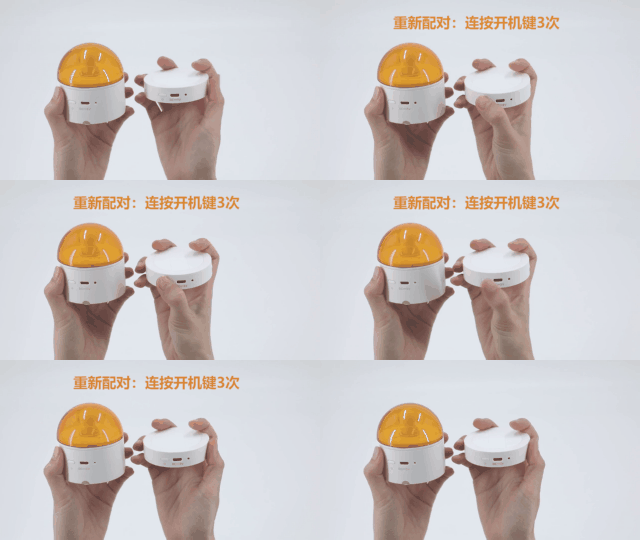
How to re-pair the Controller and MatataBot?
Switch the Controller to the control mode or coding mode. Turn on the device and rapidly click the power button of the Controller 3 times. It will enter the re-pair mode with fast flashing blue light. When you hear the sound "deng deng", the Controller has been re-paired to the MatataBot with both stable blue indicated light.
How to re-pair the Controller and Command Tower?
Turn on the devices. First re-pair the Controller to the MatataBot as the above method.
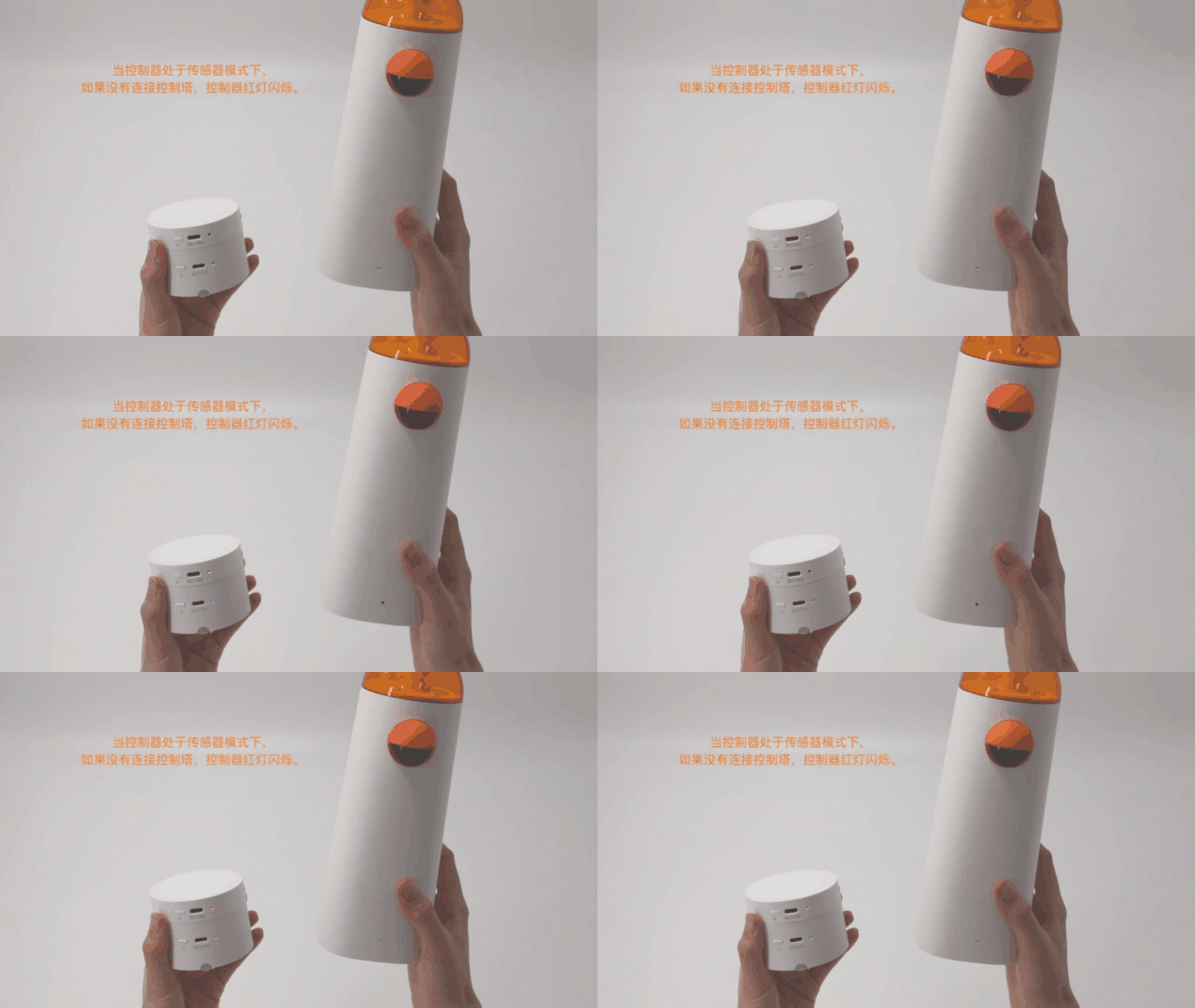
Switch the Controller to the sensor mode, the indicate light of it will turn red and keep flashing.
Rapidly click the power button of the Command Tower 3 times, it will enter the re-pair mode with fast flashing blue light. When you hear the sound "deng deng", the Command Tower has been re-paired to the Controller with both stable blue indicated light.
Note: Before successfully paired, the indicated light of Controller under the sensor mode is flashing with red light, and the Command Tower is flashing in blue.