Step1. Materials
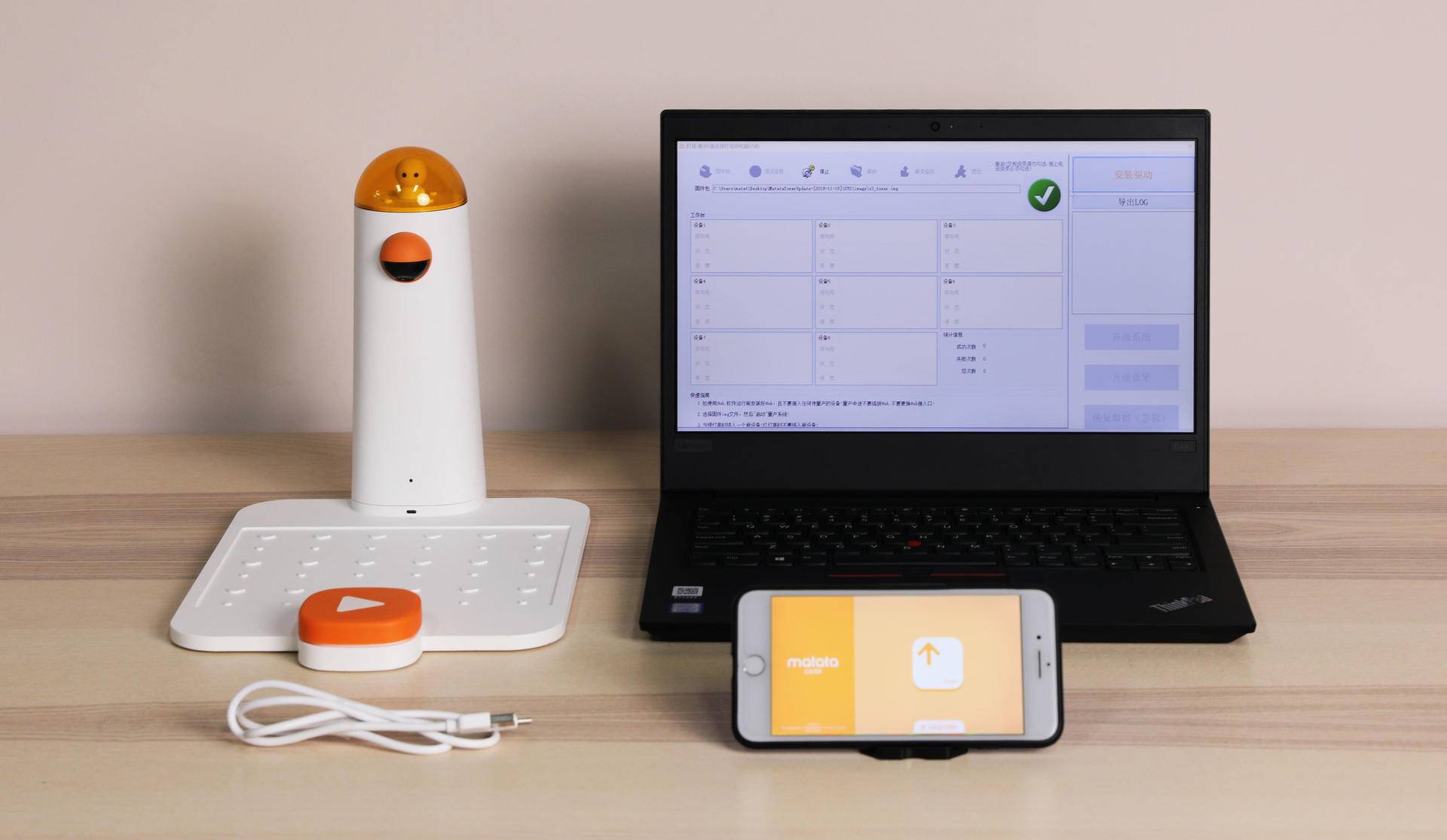
Please get ready of the following materials before upgrade
- 迷妹网 Command Tower
- 迷妹网 Control Board
- USB-C cable
- A Win10-PC
- A mobile phone(Android or Apple)
Step2. Turn on the Command Tower
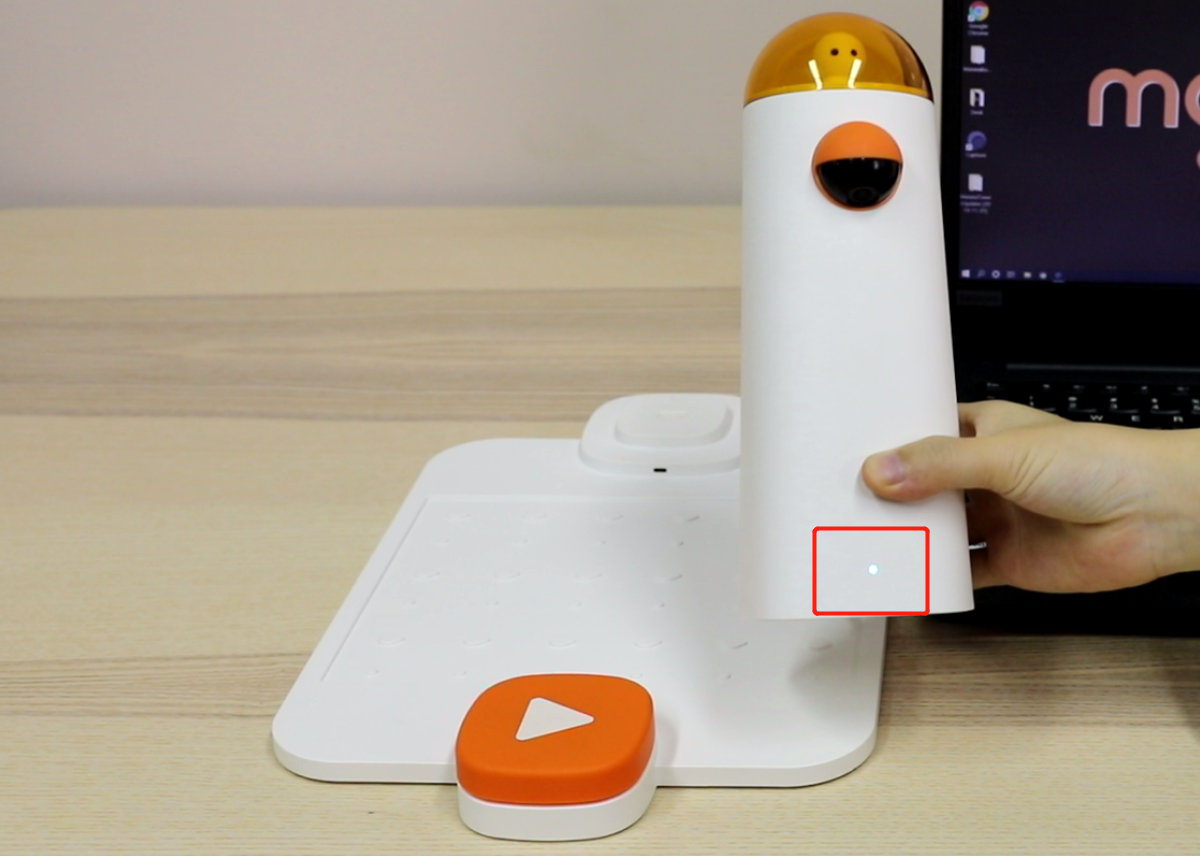
Attention! Please turn on the Command Tower first, otherwise, the PC cannot regconize it.
Step3. Put the Command Tower on the Control Board
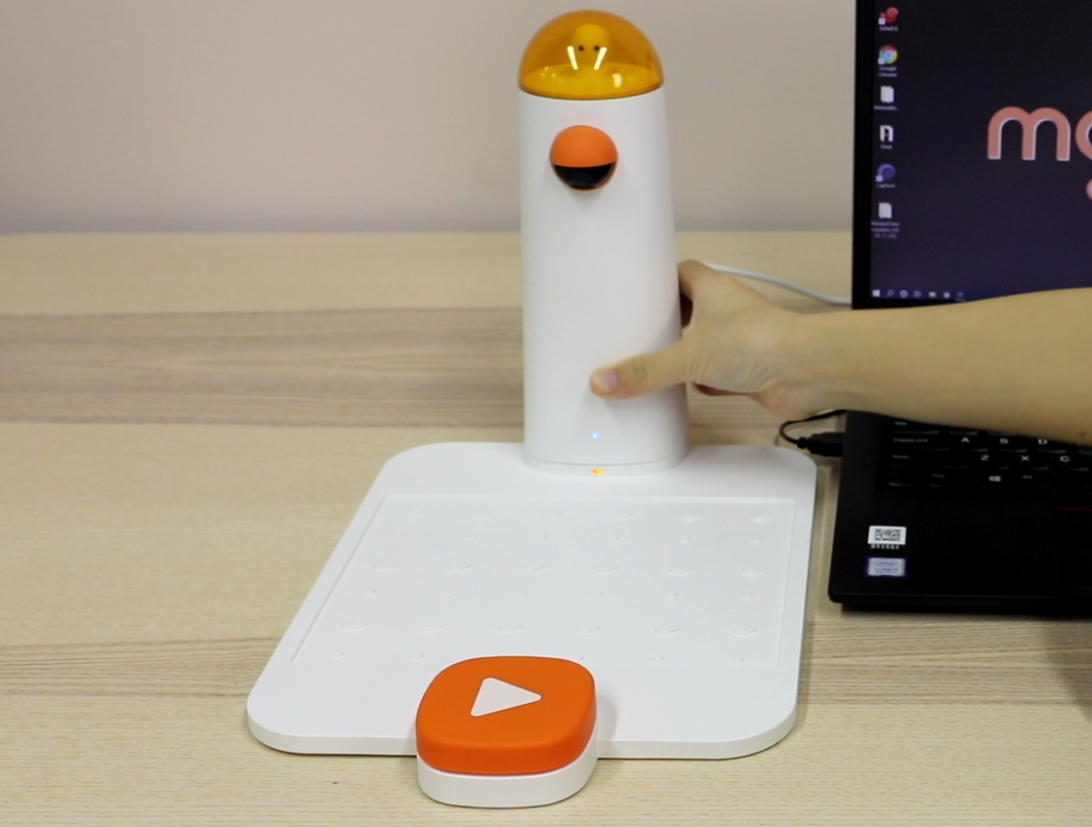
Step4. Connect the Command Tower to the PC.
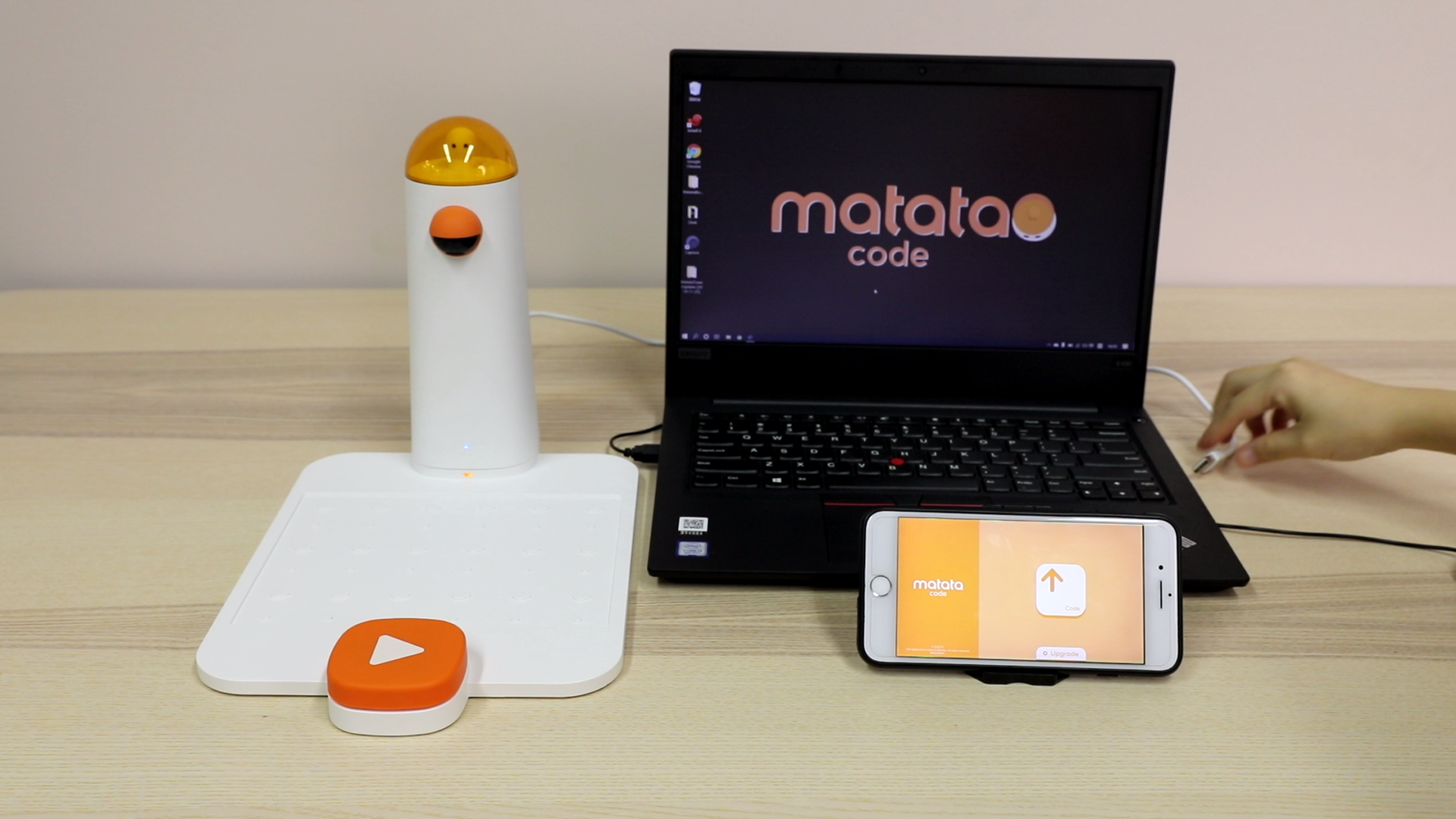
Step5. Downlaod and set up "MatataTowerUpgrade.exe"
Please click the following icon to download and make sure the software is the latest version before upgrading

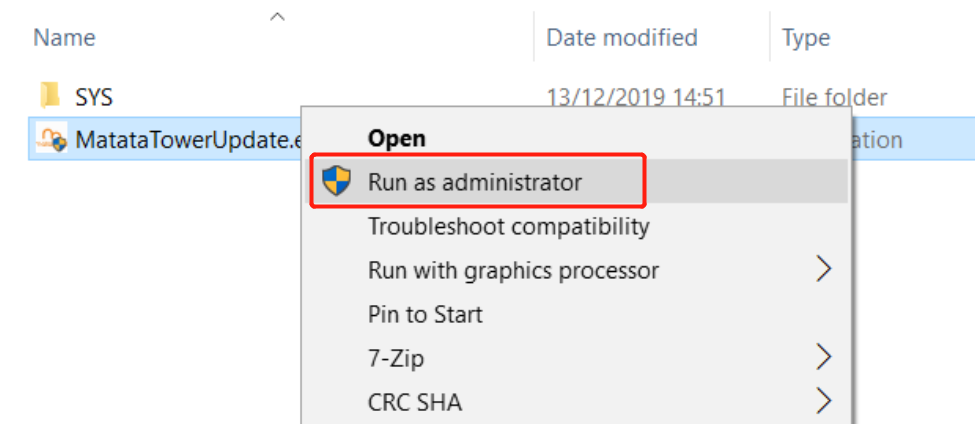
Step6. Decompress and start the program (Please right click and choose "Run as administrator")
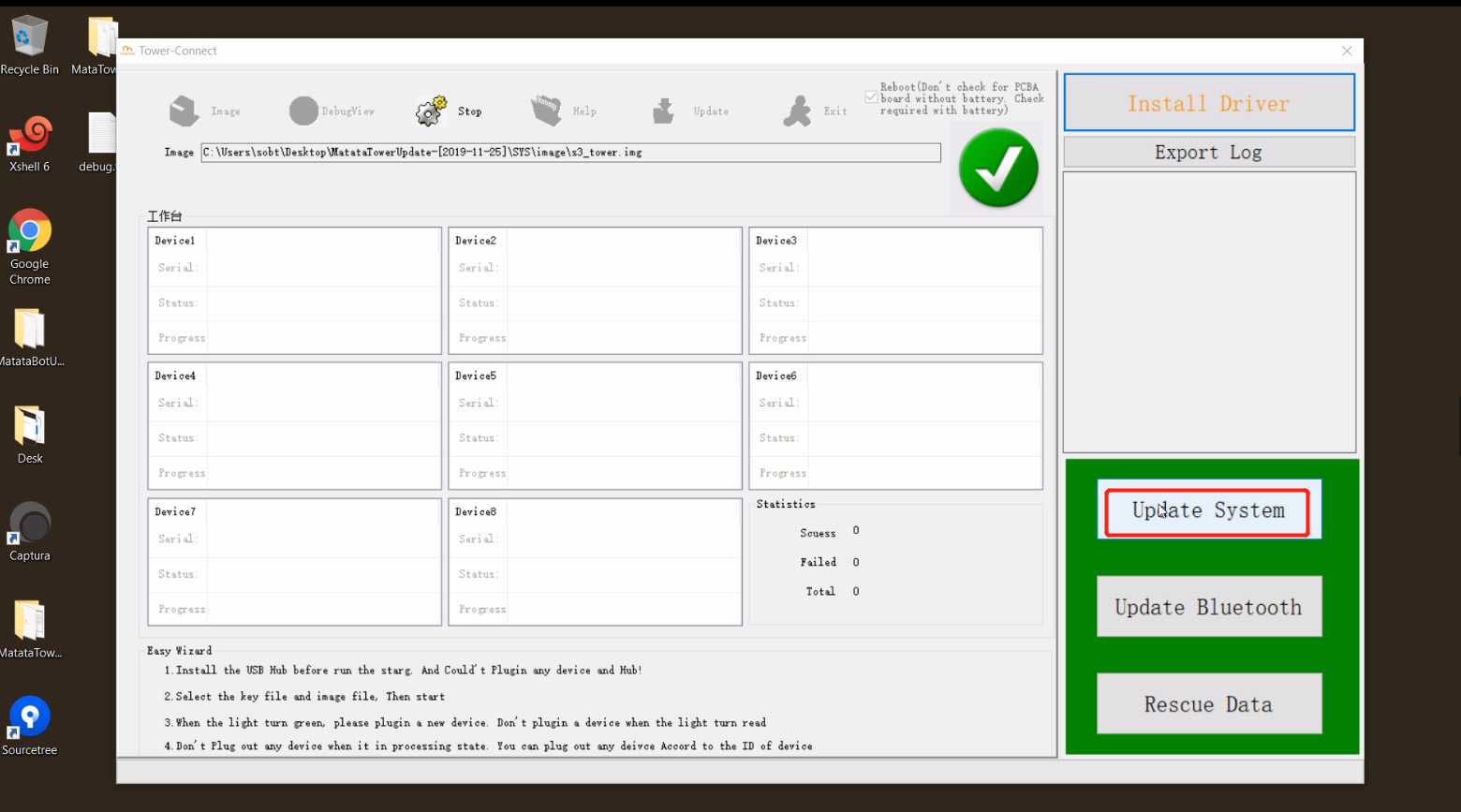
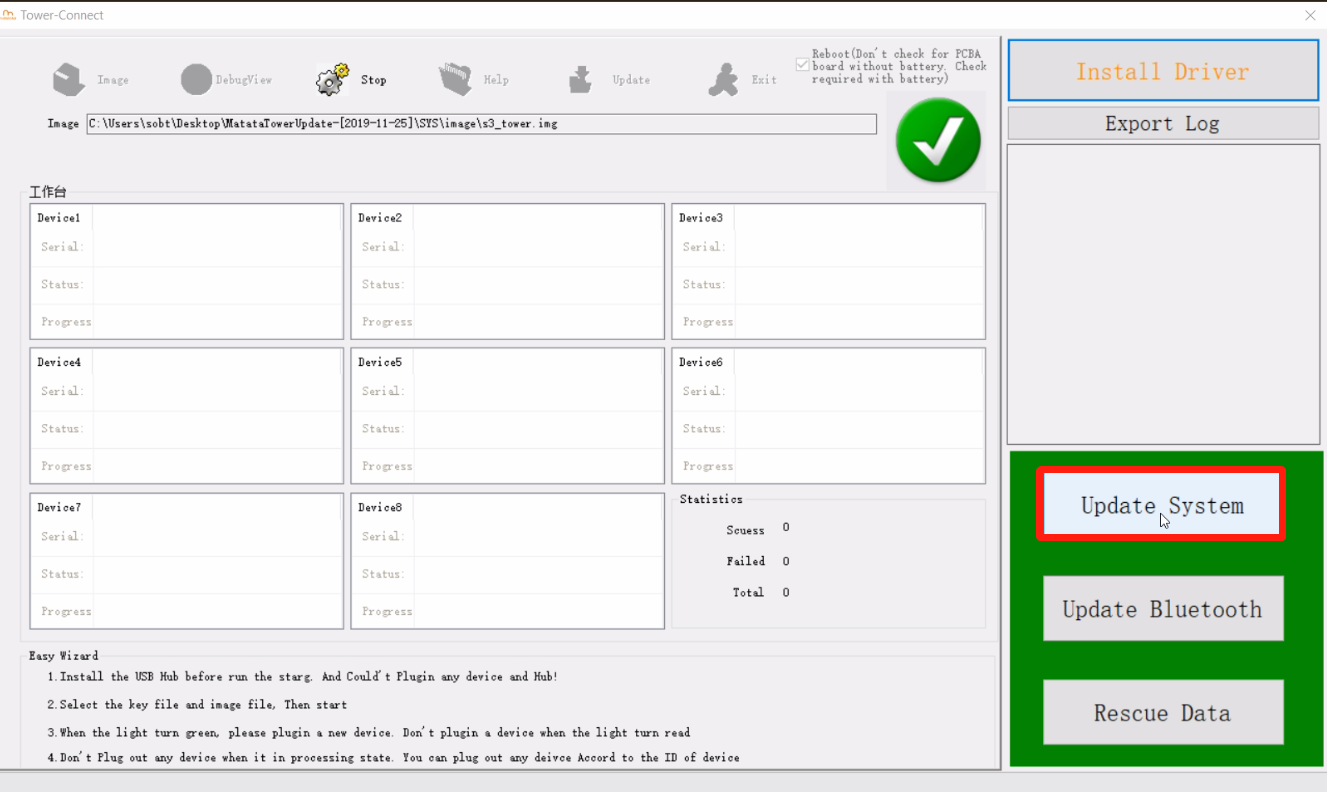
Step7. Click "Update System"
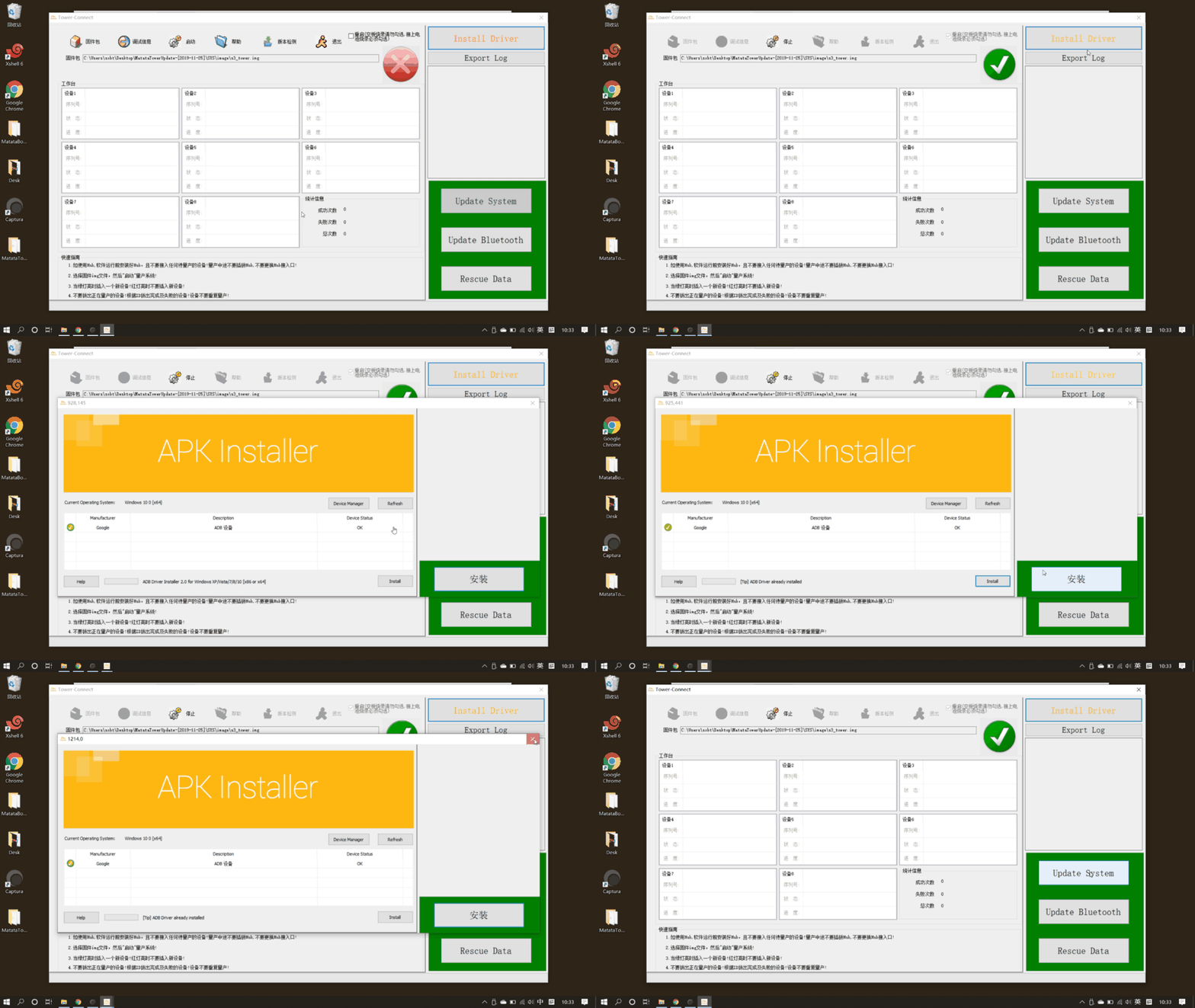
**A Special Case: If you fail, you need to set up extra ADB drive. Shown as follow:
Step8: Click "Update System", then follow the hint in the software.
Details as follows:
1) Click "Update System"
2) Click "OK"
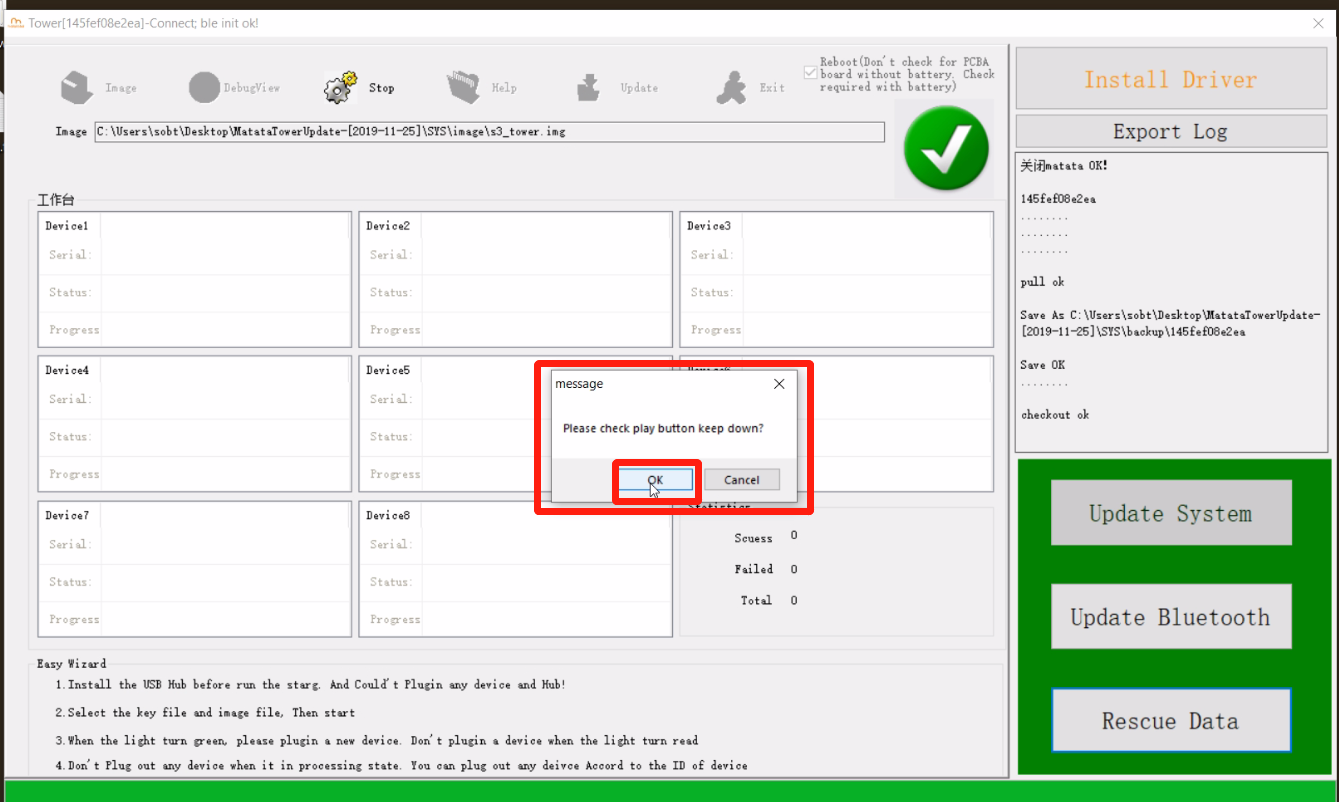
3) Continue upgrade with the Control Board
After clicking "OK" on the previous step,
Please press the "Play" button on the Control Board right away, and hold down!!!
Wait until there is a progress bar, you can release the "Play" button.
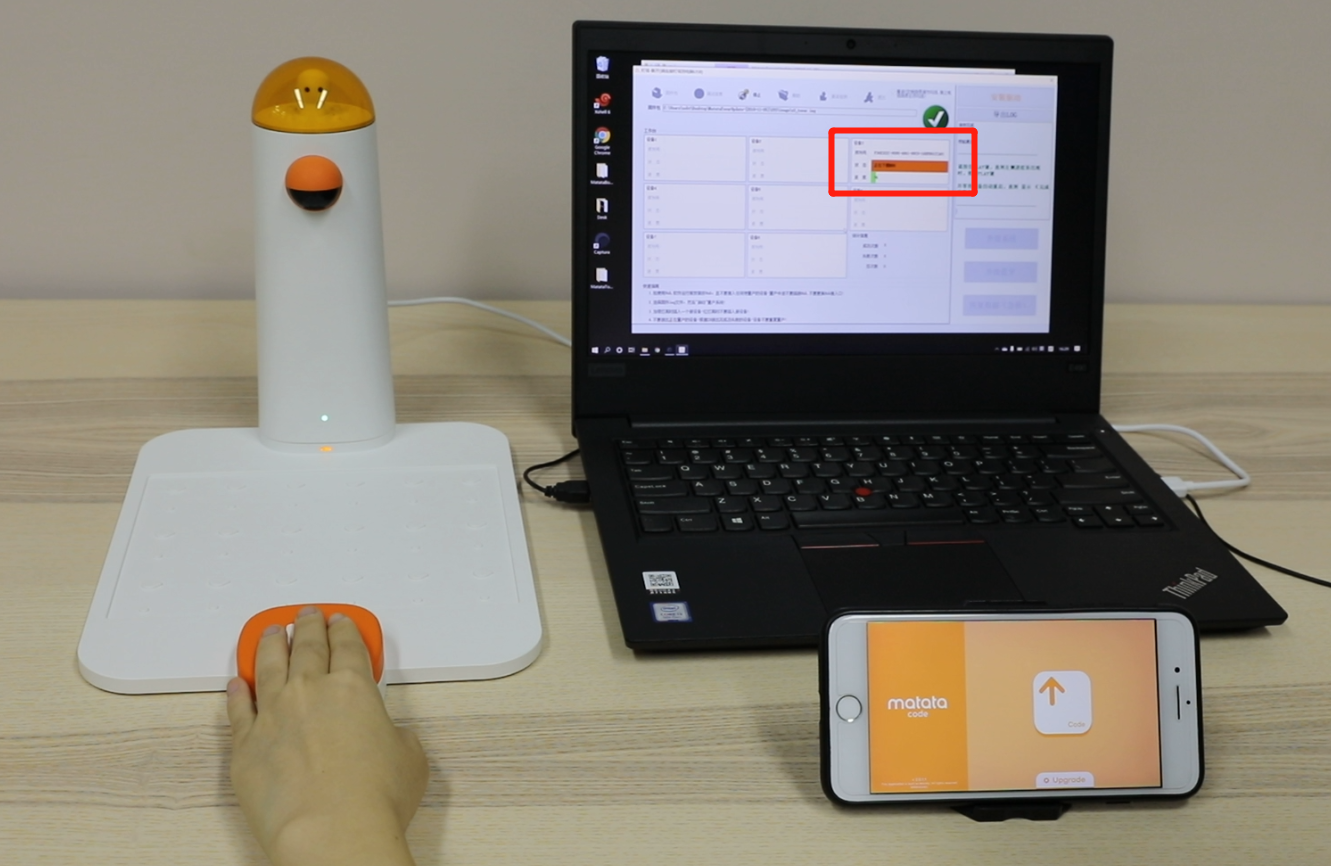
The following pictures are the screenshot examples.
This shows, there is no progress bar at the beginning, remember to keep pressing down the "Play button" at this moment.
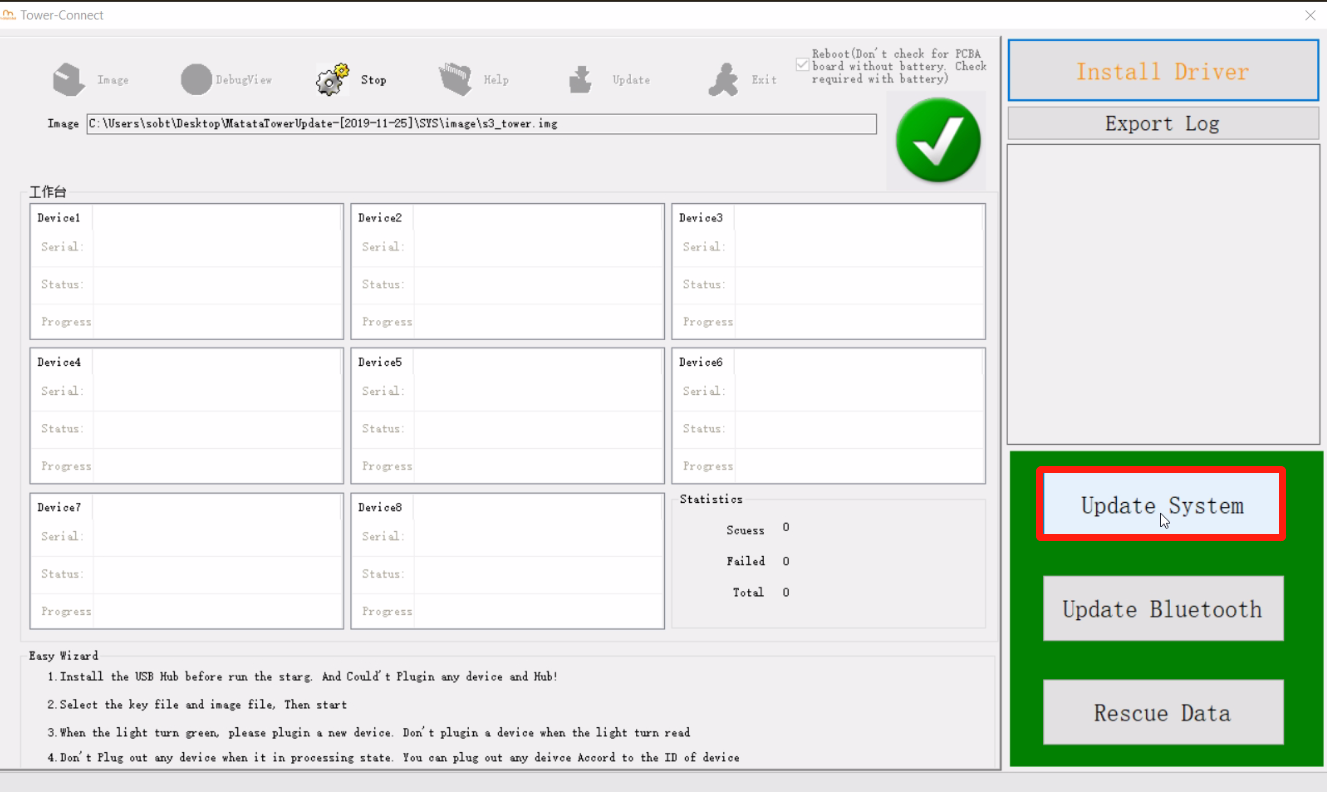
Only wait until there is a progress bar shown as the below picutre, you can release the "Play" button then.
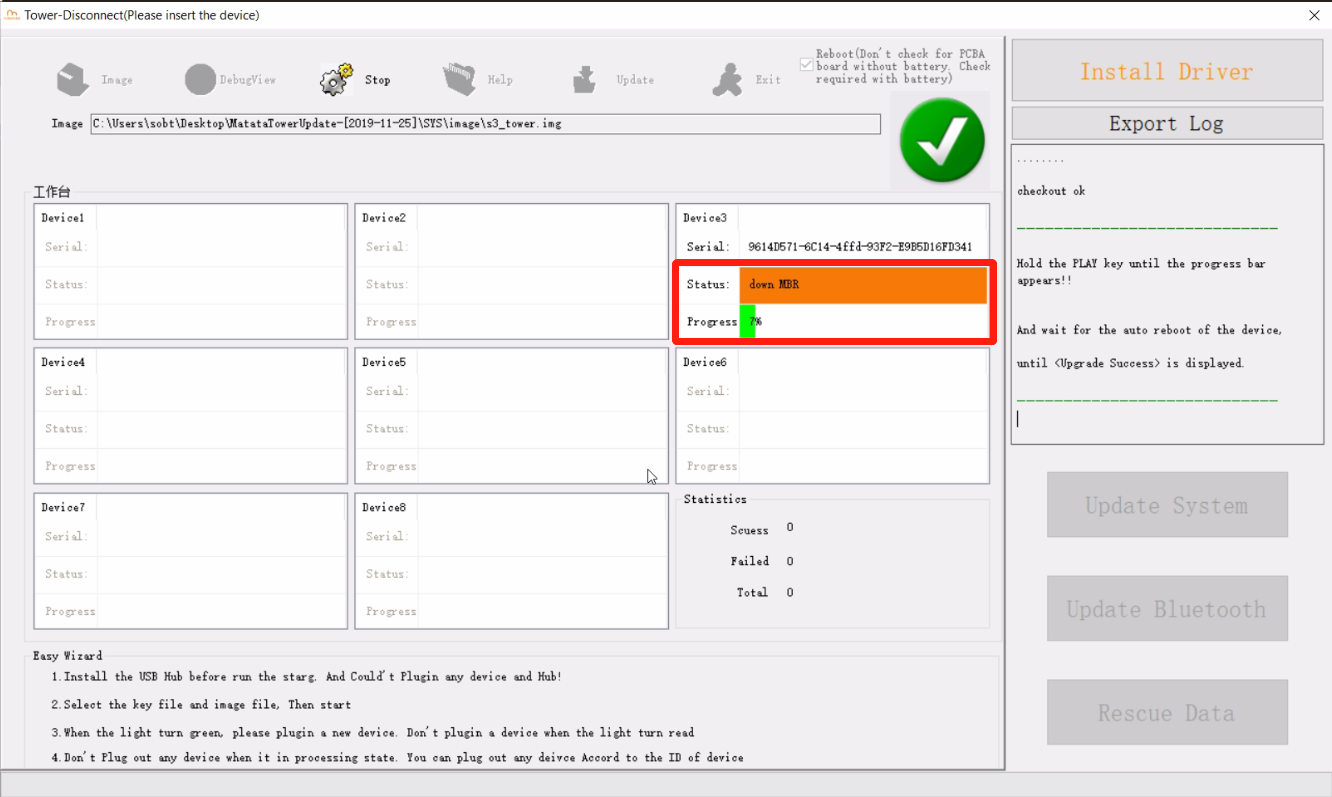
4) Wait for the progress bar loads
Step9. Click "Update Bluetooth"
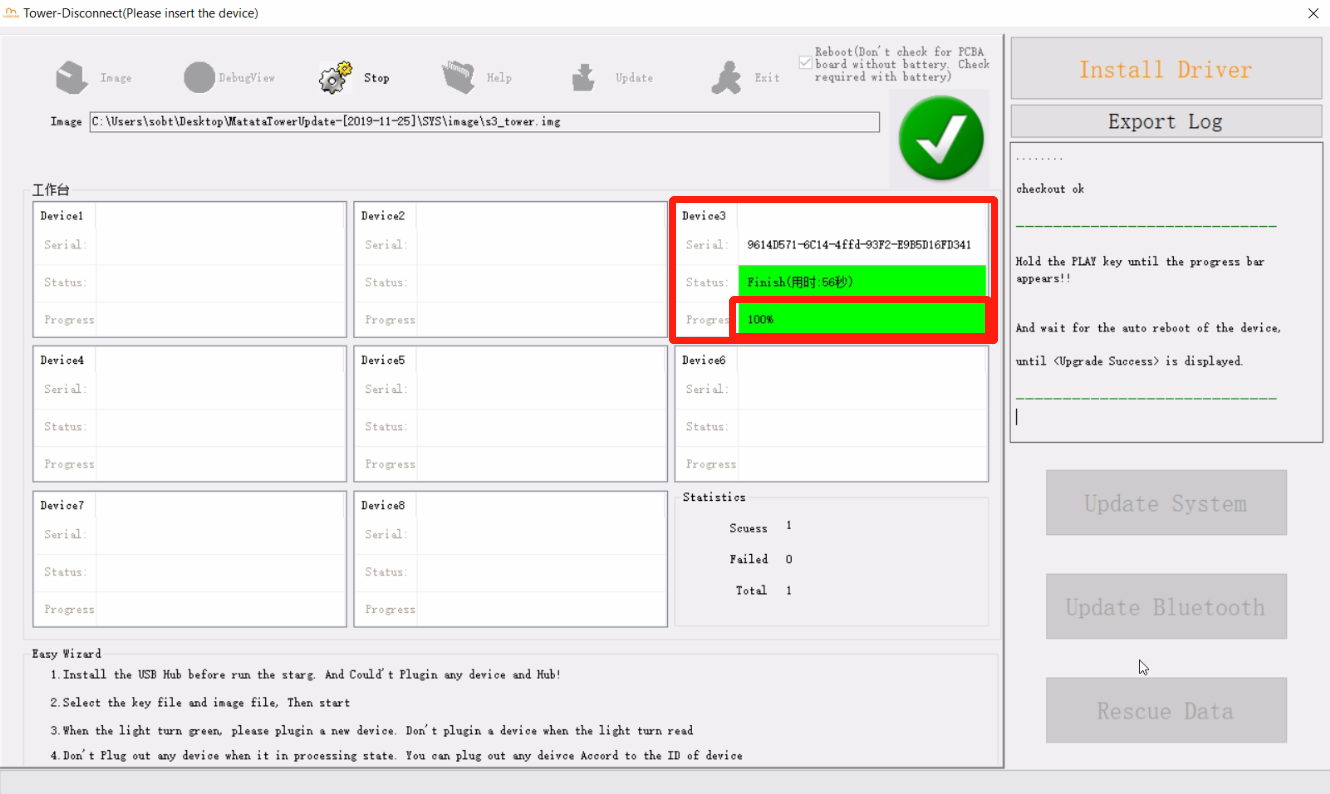
When it shows "Upgrade Success" in the right window, click "Update Bluetooth"
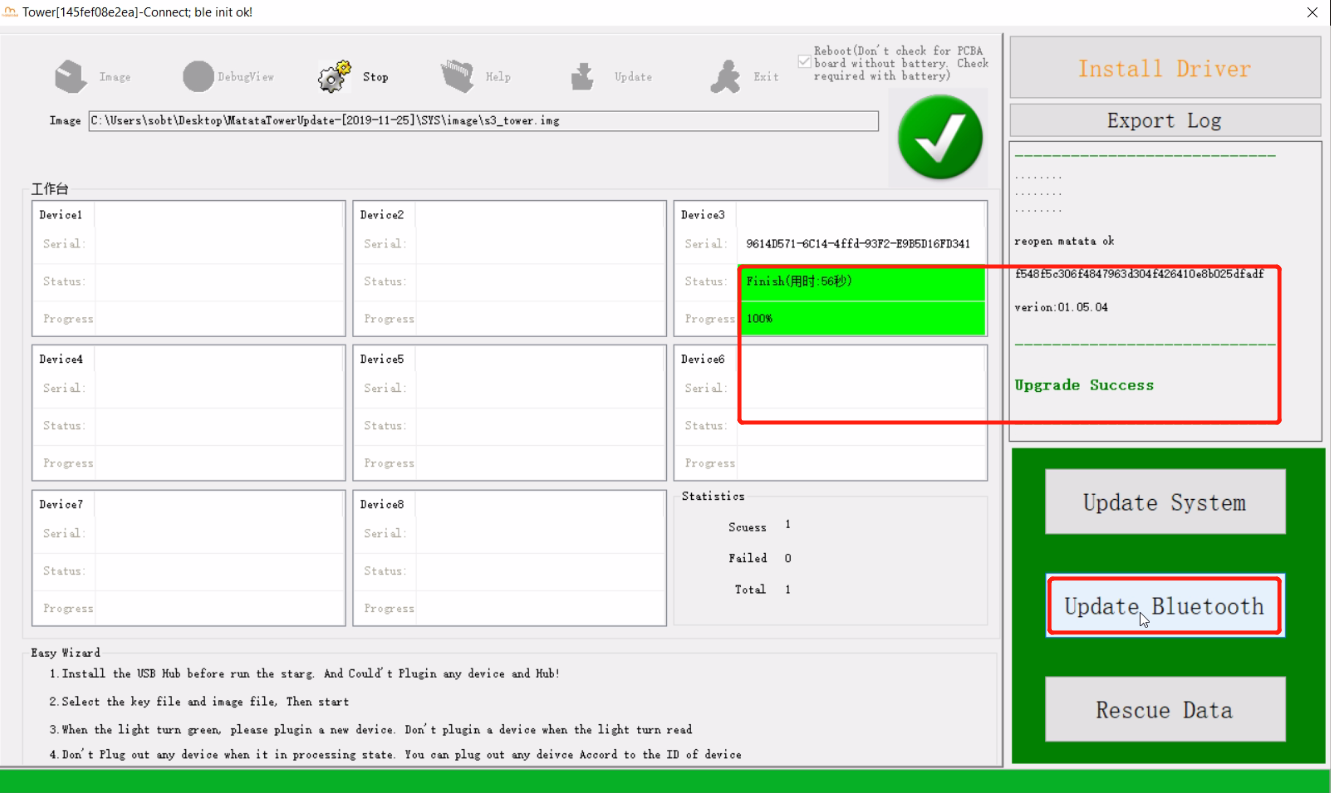
Attention: Only after click "OK", you App can detect the device.
Step10: Download MatataCode App on you Phone.
Please scan the UR code to download or go to AppStore and search "MatataCode" to download.
Step11: Launch MatataCode
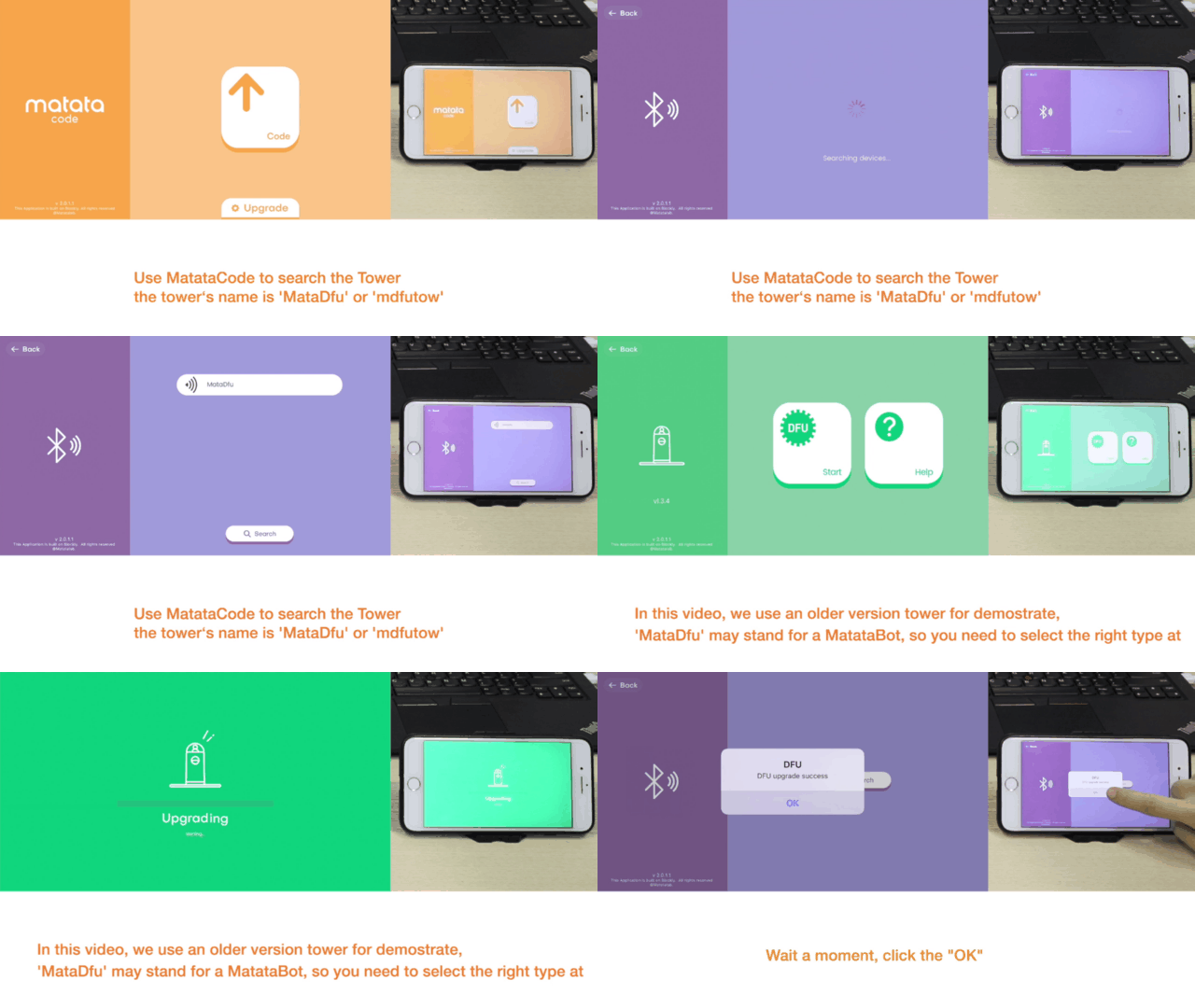
Step12. Follow the steps on GIF
On the App: Click "Upgrade" --- Click "Search" --- Click "MataDfu" (or mdfutow) which is the device detedcted --- Click "Tower" --- Click "Start", then start to DFU ungrade
Step13. Turn on the Command Tower again.
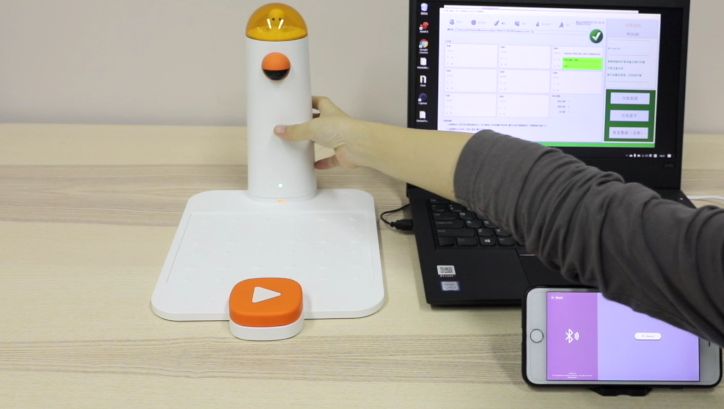
The upgraded Command Tower after DFU upgrade
How to re-pair?
How to re-pair the Command Tower and MatataBot?
Turn on the device and rapidly click the power button of the Command Tower 3 times. It will enter the re-pair mode with fast flashing blue light. When you hear the sound "deng deng", the Command Tower has been re-paired to the MatataBot with both stable blue indicated light.
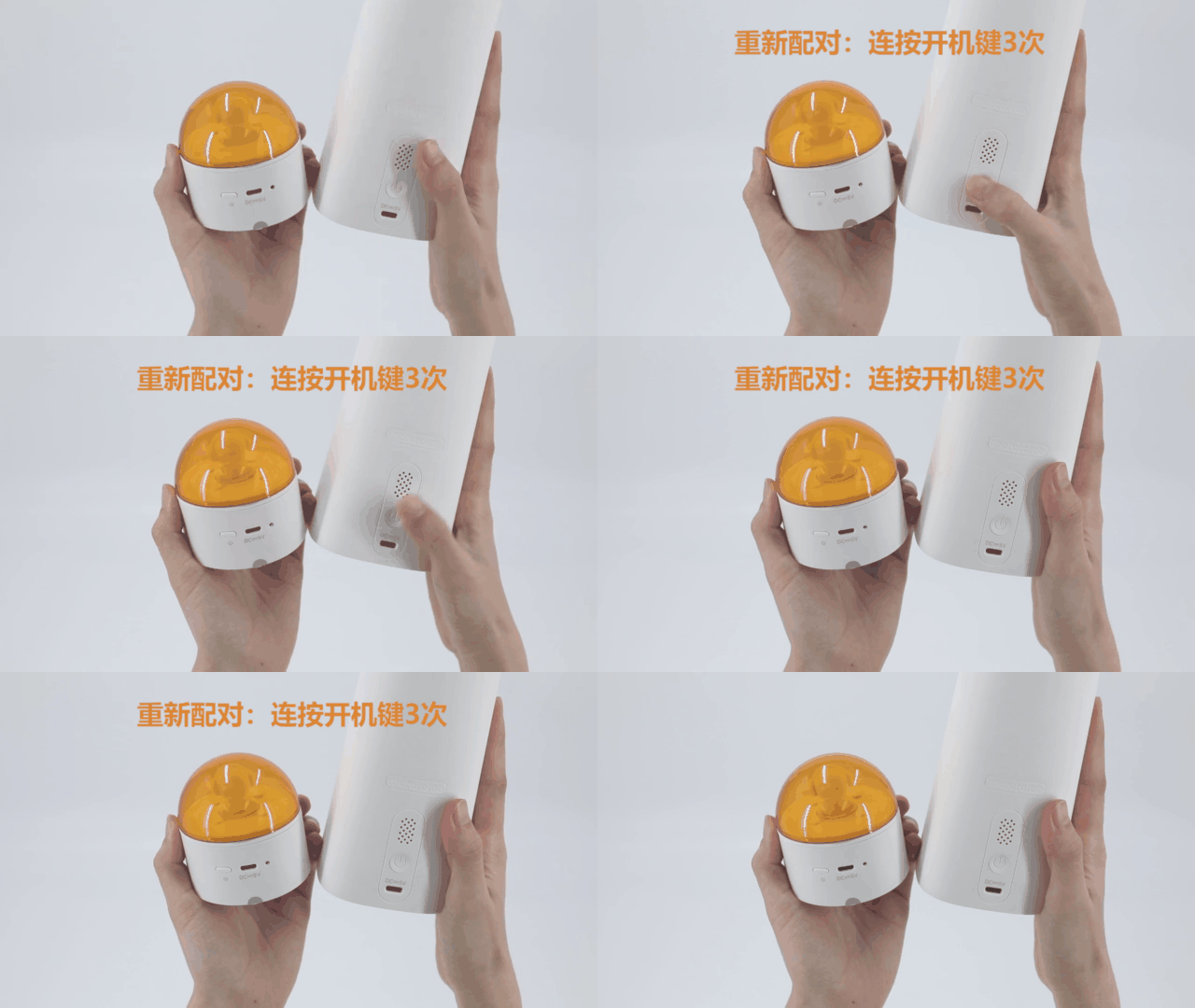
How to re-pair the Controller and MatataBot?
Switch the Controller to the control mode or coding mode. Turn on the device and rapidly click the power button of the Controller 3 times. It will enter the re-pair mode with fast flashing blue light. When you hear the sound "deng deng", the Controller has been re-paired to the MatataBot with both stable blue indicated light.
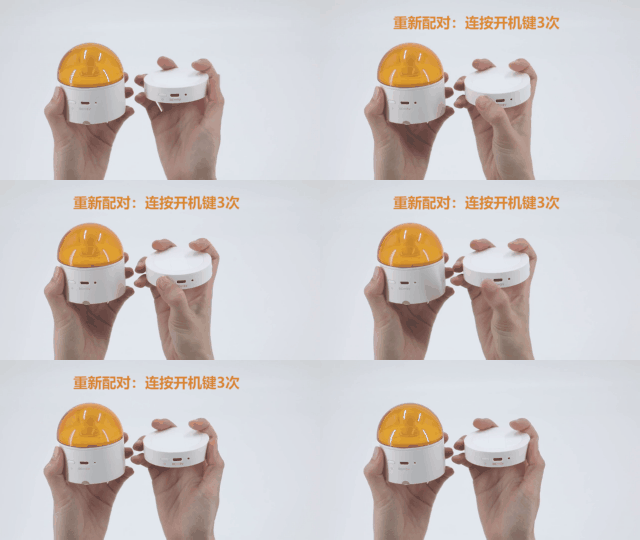
How to re-pair the Controller and Command Tower?
Turn on the devices. First re-pair the Controller to the MatataBot as the above method.
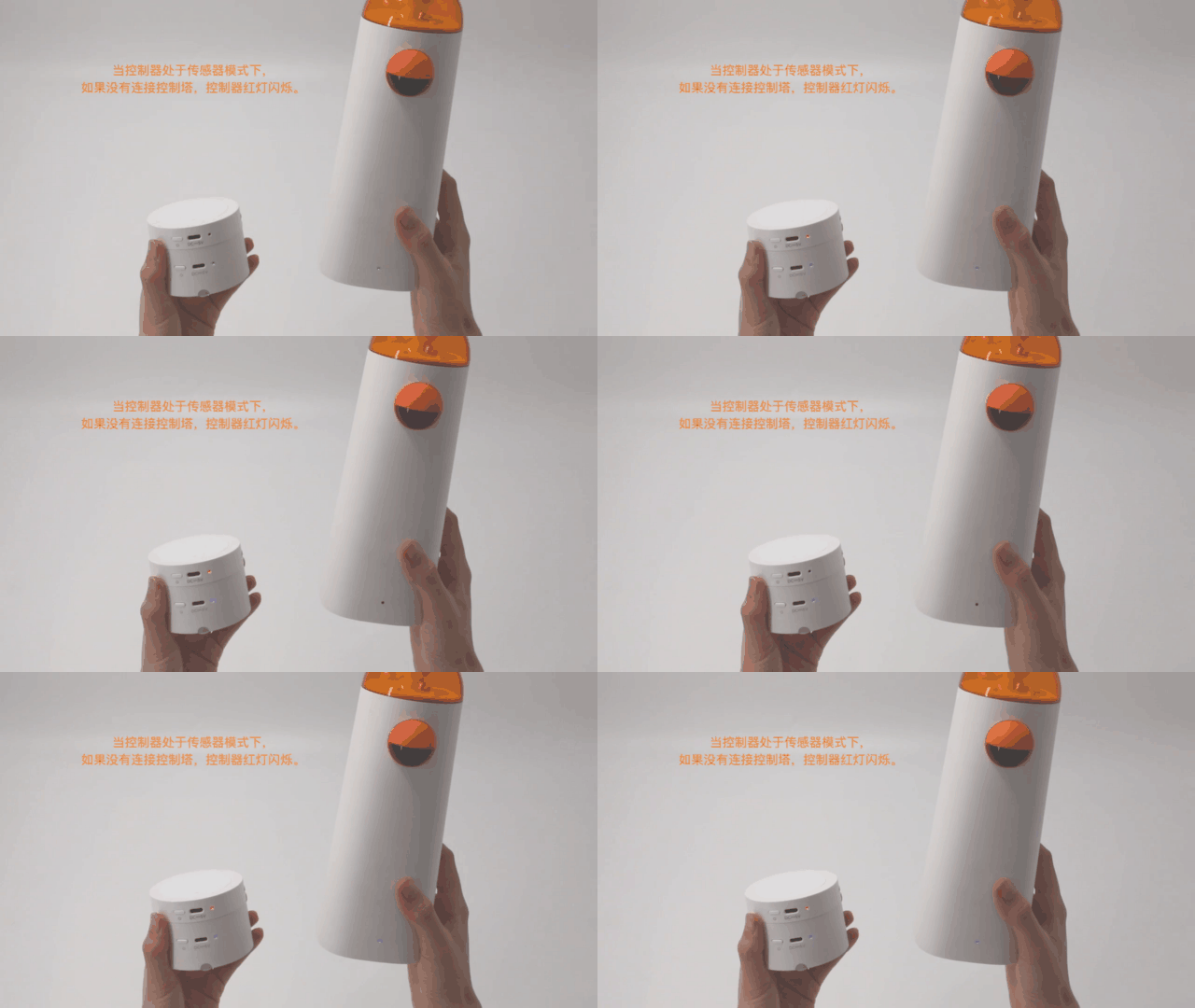
Switch the Controller to the sensor mode, the indicate light of it will turn red and keep flashing.
Rapidly click the power button of the Command Tower 3 times, it will enter the re-pair mode with fast flashing blue light. When you hear the sound "deng deng", the Command Tower has been re-paired to the Controller with both stable blue indicated light.
Note: Before successfully paired, the indicated light of Controller under the sensor mode is flashing with red light, and the Command Tower is flashing in blue.